
Endpoint UCS Features
Every communication tool your business needs. One platform.
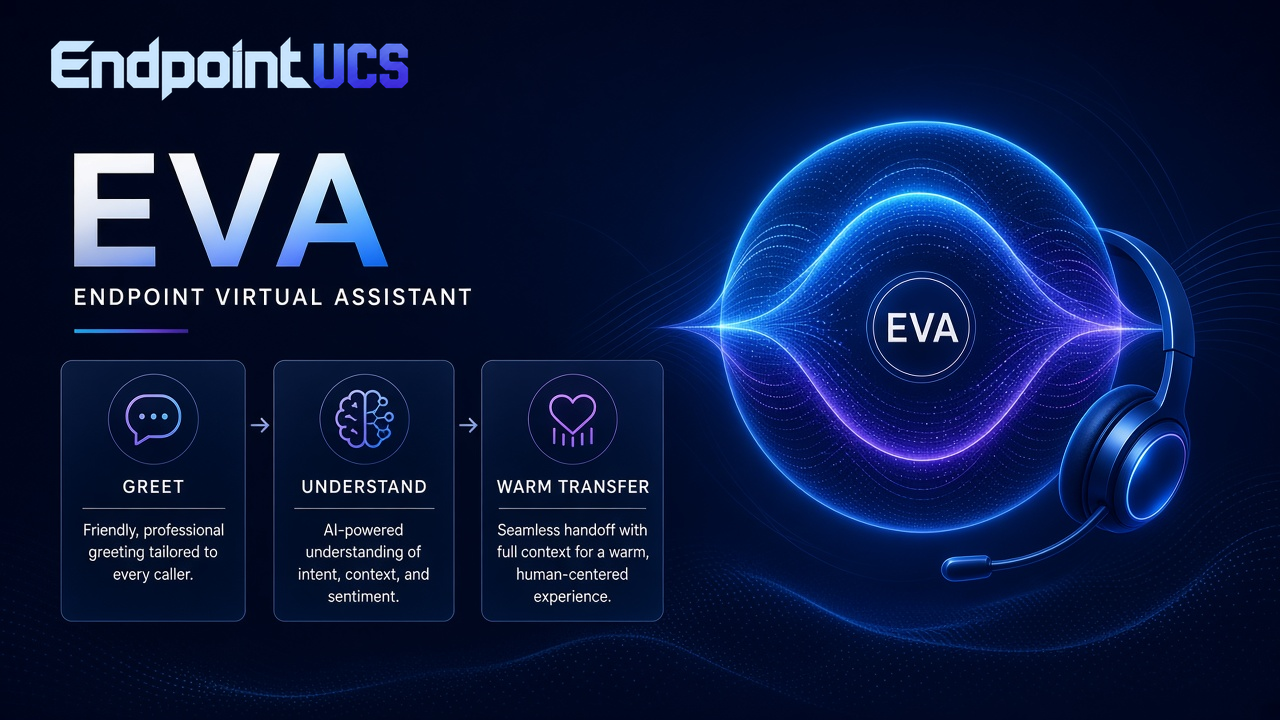
Endpoint UCS brings calling, messaging, EVA (Endpoint Virtual Assistant), and device management into one dependable hosted PBX experience.
Devices, features & services
Endpoint UCS Cloud Connected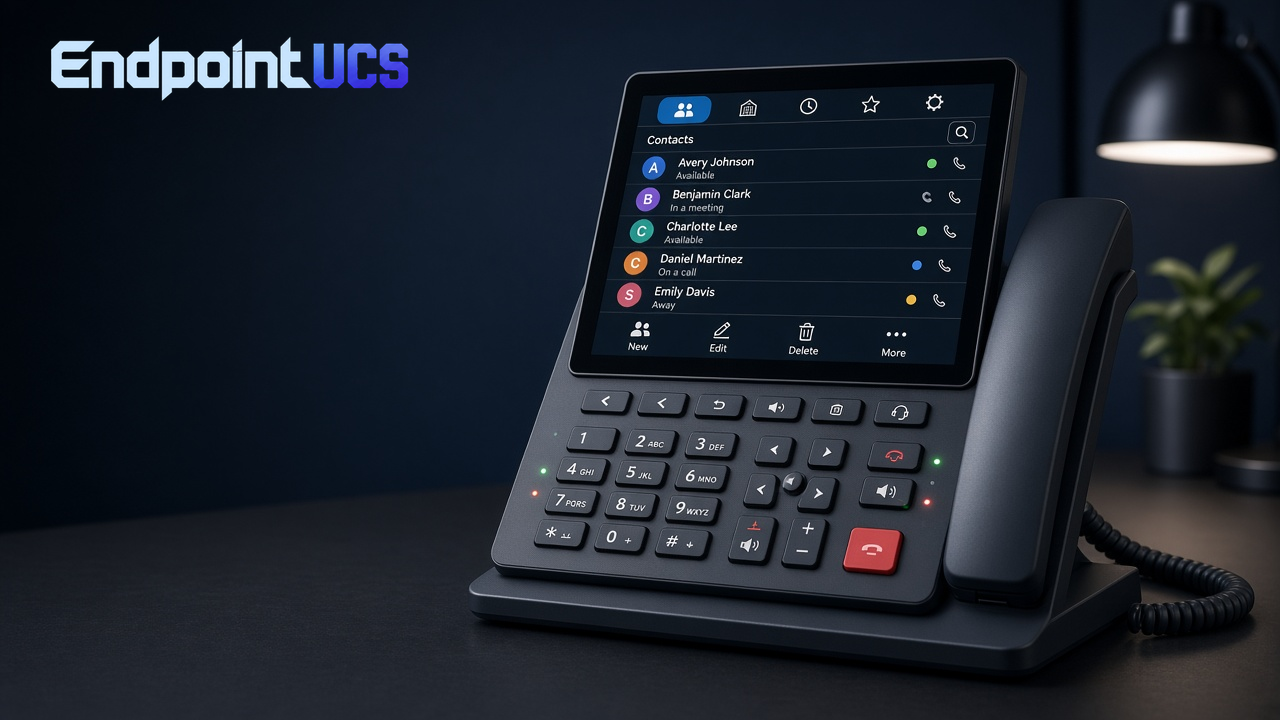
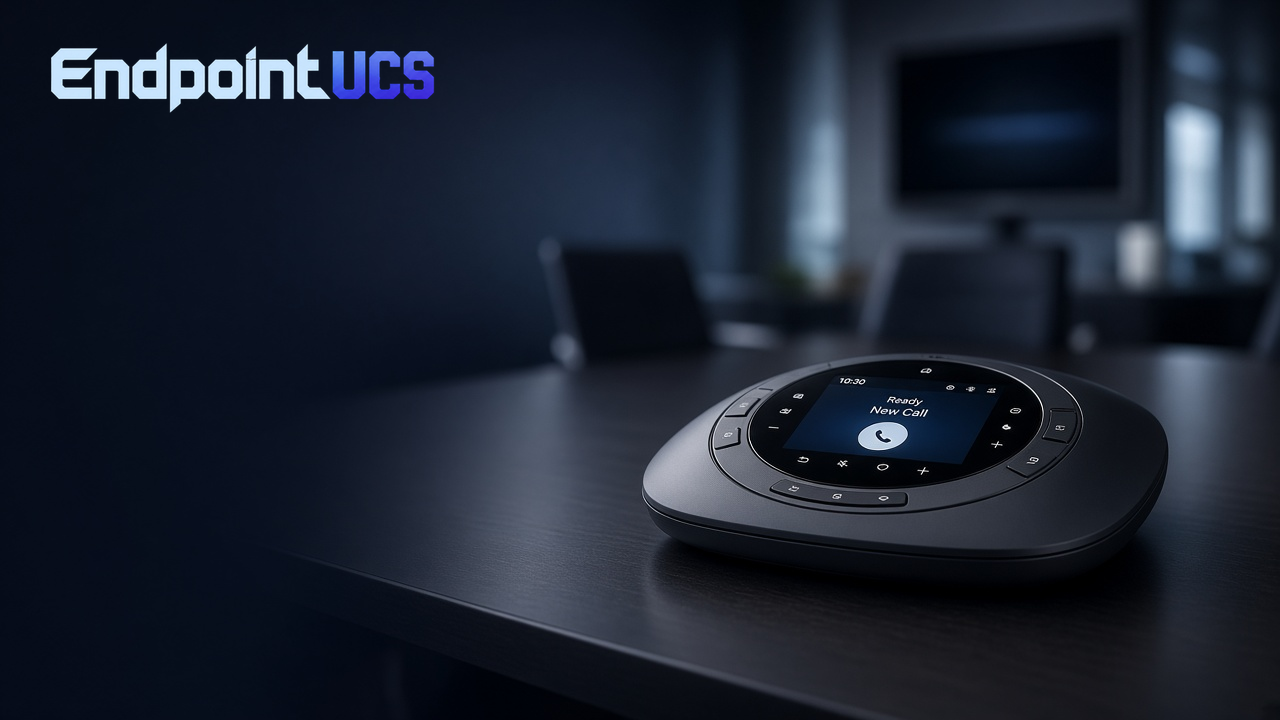
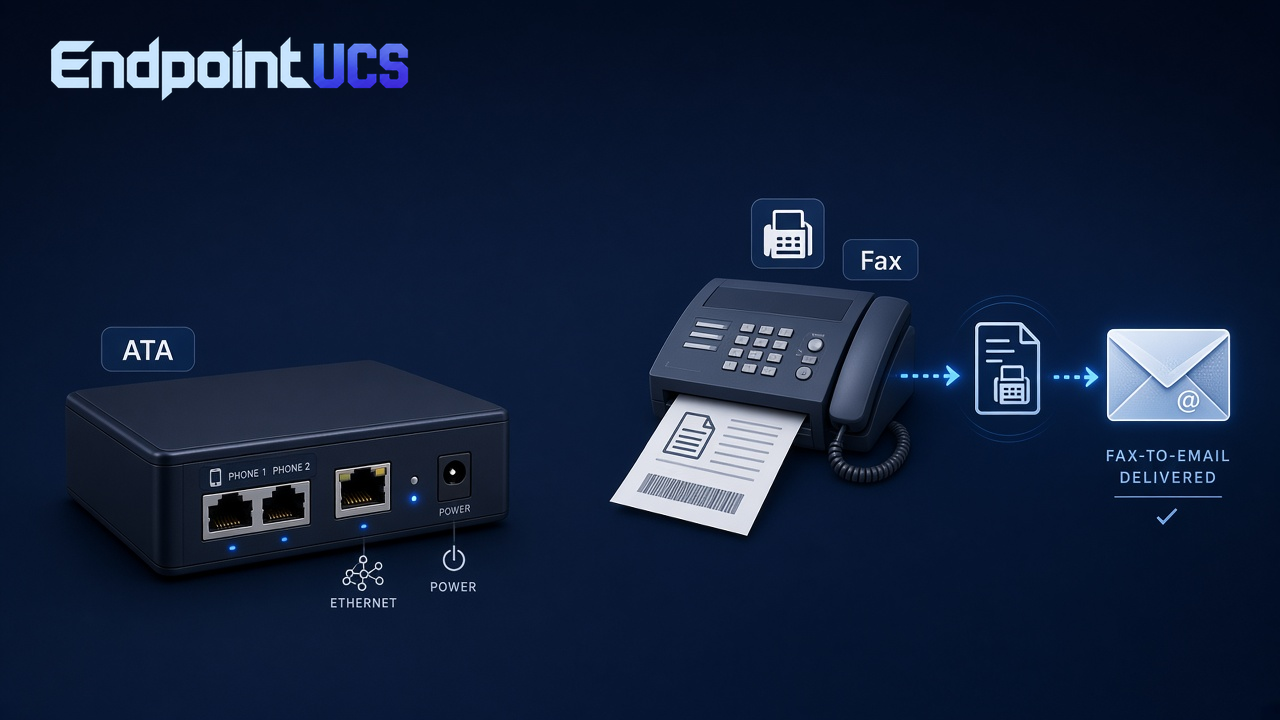
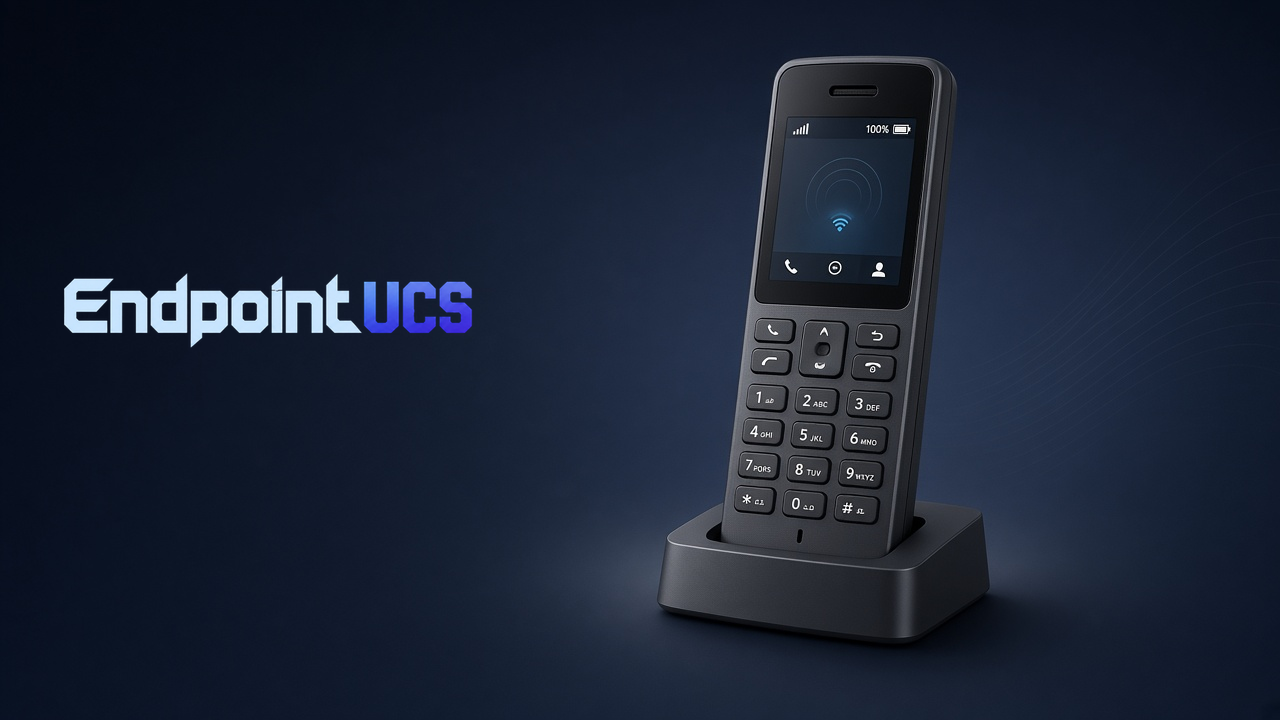
EVA · Endpoint Virtual Assistant — Live call handling
Routing active21
Calls in queue
9.8s
Avg. answer
8
EVA agents live
Incoming call
+1 (303) 555-0148
RingingIntent detected: billing question
Best destination
Billing team
Call receivedReporting
Messaging
Voicemail
Softphones
Desk phones
Mobile apps
EVA agents
Analytics
More platform features
Animations are illustrative only and do not represent live system activity or real-time performance.
Built for K–12
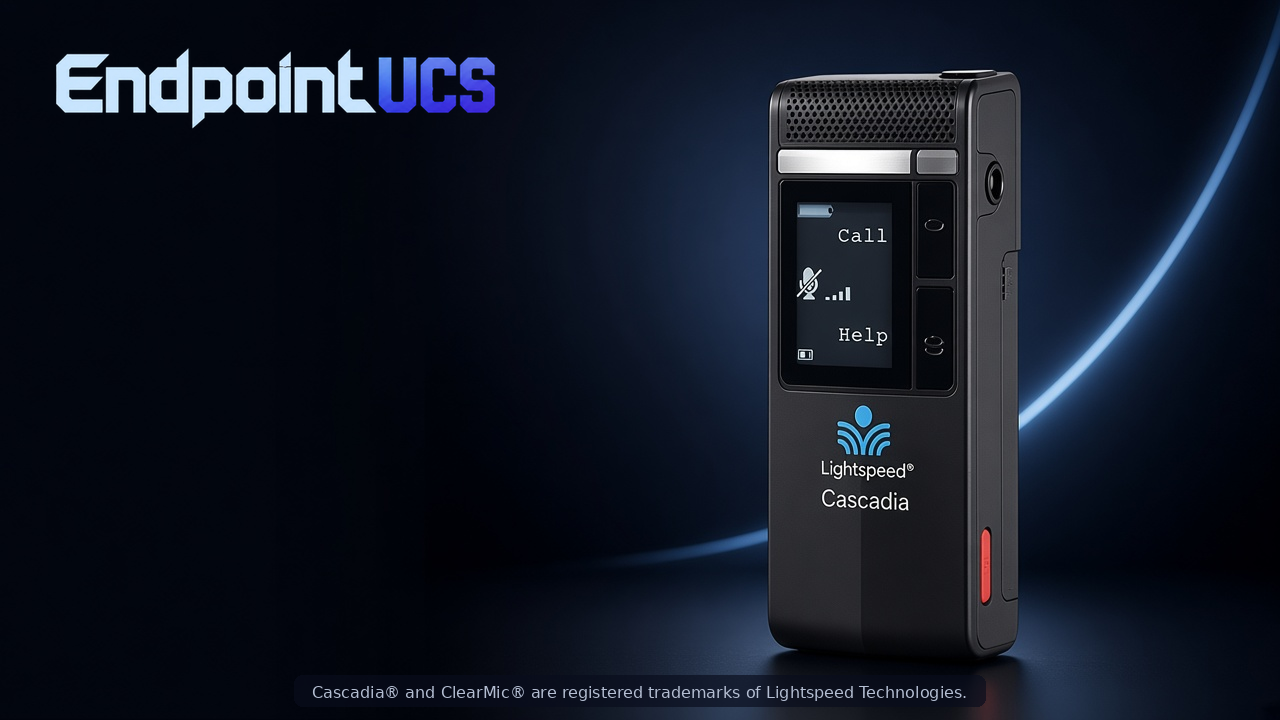
Ep3 — school communications & safety
Ep3 brings Endpoint's hosted PBX and EVA AI to the K–12 campus — including Alyssa's Law panic alert support and a one-button EVA voice assistant on the Lightspeed Clearmike wearable.
Browser · Web Portal
Your entire phone system, in a browser tab.
The Endpoint UCS web portal gives administrators and users full control of the phone system from any browser — no software to install, no VPN required. Manage call history, listen to voicemails, configure auto-attendants, and oversee every site and user from a single unified dashboard.
Call history & recordings
Search, filter, and replay call recordings directly from the browser portal.
Voicemail management
Listen, delete, forward, and download voicemails. Transcriptions available inline.
Admin panel
Add users, assign extensions, configure call routing, and manage permissions — all in one place.
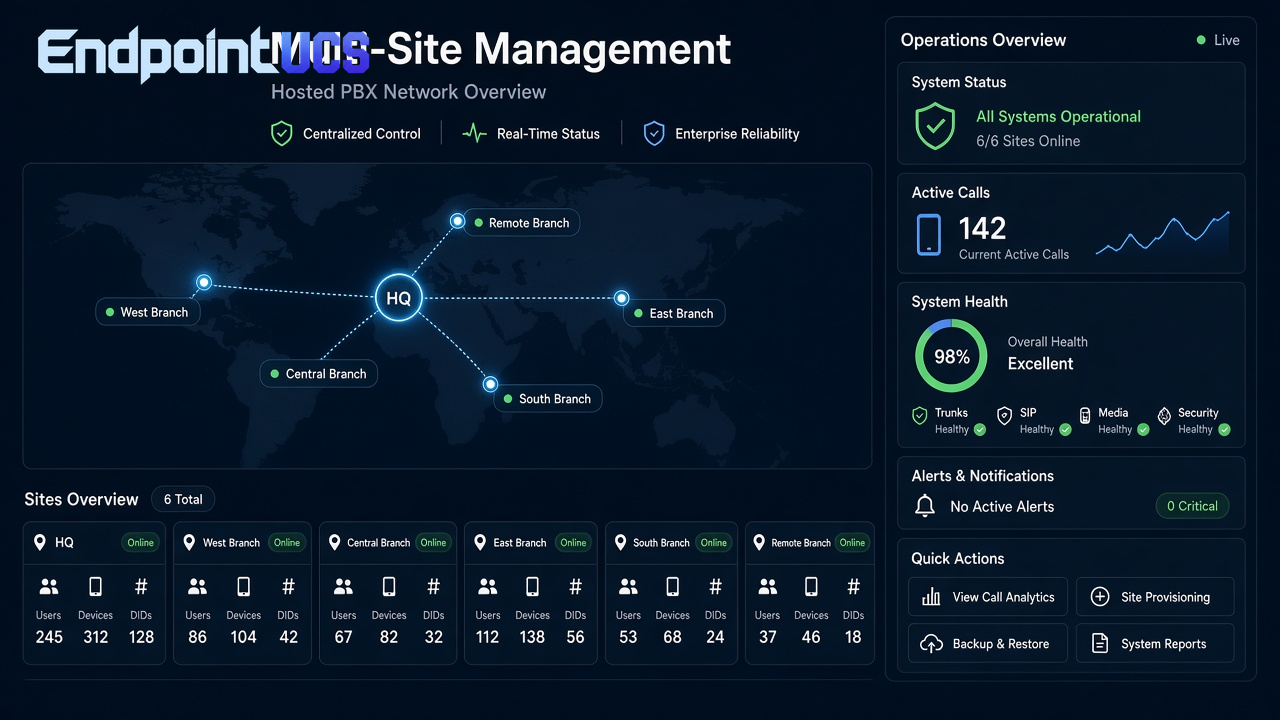
Multi-site management
Oversee multiple locations from a single login. Each site has its own settings and reporting.
Admin · Dashboard
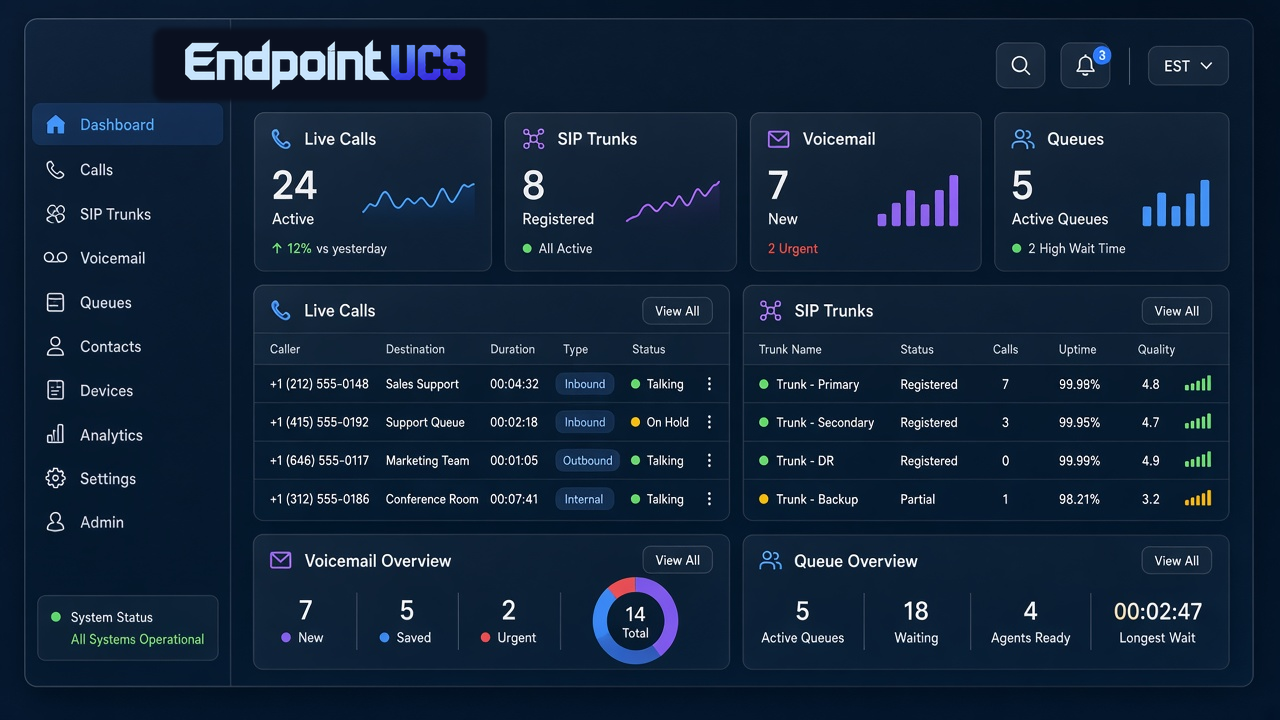
Live visibility across every call, queue, and site.
The Endpoint UCS dashboard gives managers a real-time view of everything happening across the phone system — active calls, queue depths, agent availability, and site-level activity. Add or remove phones, reassign extensions, and adjust call routing without opening a ticket or calling support.
Live call stats
See active calls, hold times, and queue depths updating in real time across all locations.
Add & remove phones
Provision a new phone or decommission an old one in seconds from the admin dashboard.
Multi-site overview
Toggle between locations or view a consolidated view of all sites simultaneously.
Agent activity
Monitor agent status, call counts, and availability across call queues and departments.
Contact Center · Call Center
Enterprise call center — without the enterprise price tag.
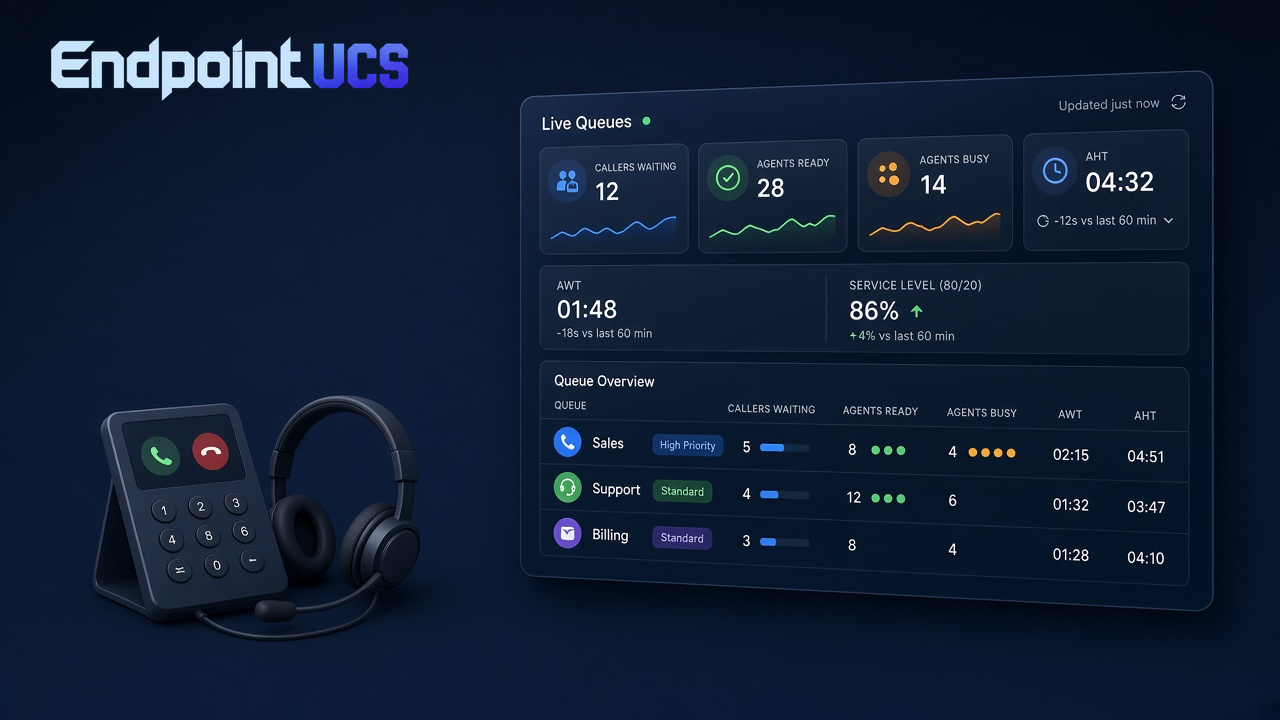
Endpoint UCS includes a full-featured call center module with ACD queues, skills-based routing, supervisor monitoring, and real-time wallboards. Recordings are stored in the cloud and accessible from the admin portal. Supervisors can listen live, whisper to agents, or barge into calls when needed.
ACD queues
Automatic call distribution routes inbound calls to the right agent based on skills and availability.
Supervisor tools
Listen, whisper, and barge — supervisors stay in control without disrupting the caller.
Real-time wallboard
Display live queue stats, agent status, and SLA metrics on any screen in the office.
Call recordings
All calls recorded and stored in the cloud. Search, filter, and replay from the admin portal.
Windows / Mac · Desktop App
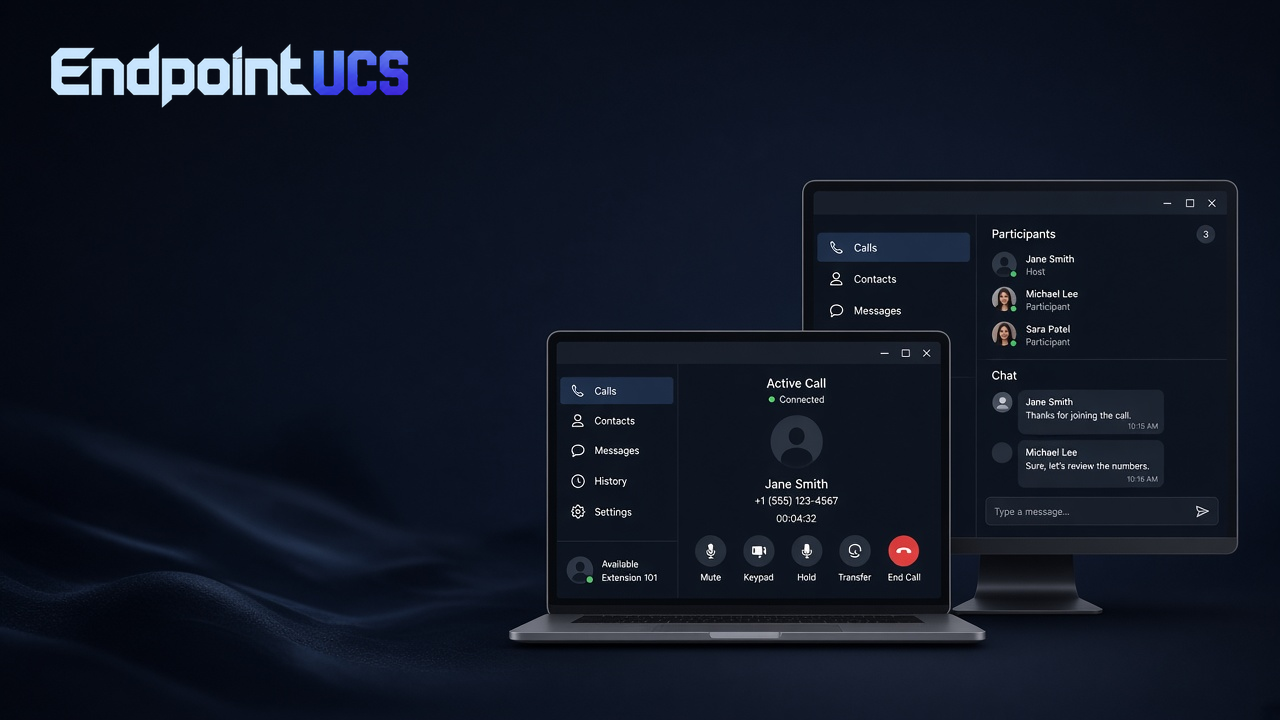
Unified communications on your desktop.
The Endpoint UCS desktop app brings voice, video, chat, and presence together in a single application for Windows and Mac. Make and receive calls, see who's available, start a video meeting, and message teammates — all without switching between apps or picking up a desk phone.
Softphone calling
Make and receive HD voice calls directly from your computer — no desk phone required.
Presence & status
See real-time availability for every colleague and set your own status with one click.
Video meetings
Start or join video calls instantly from the desktop app without a separate conferencing tool.
Team chat
Send messages, share files, and collaborate in persistent team channels alongside your calls.
iOS / Android · Mobile SMS
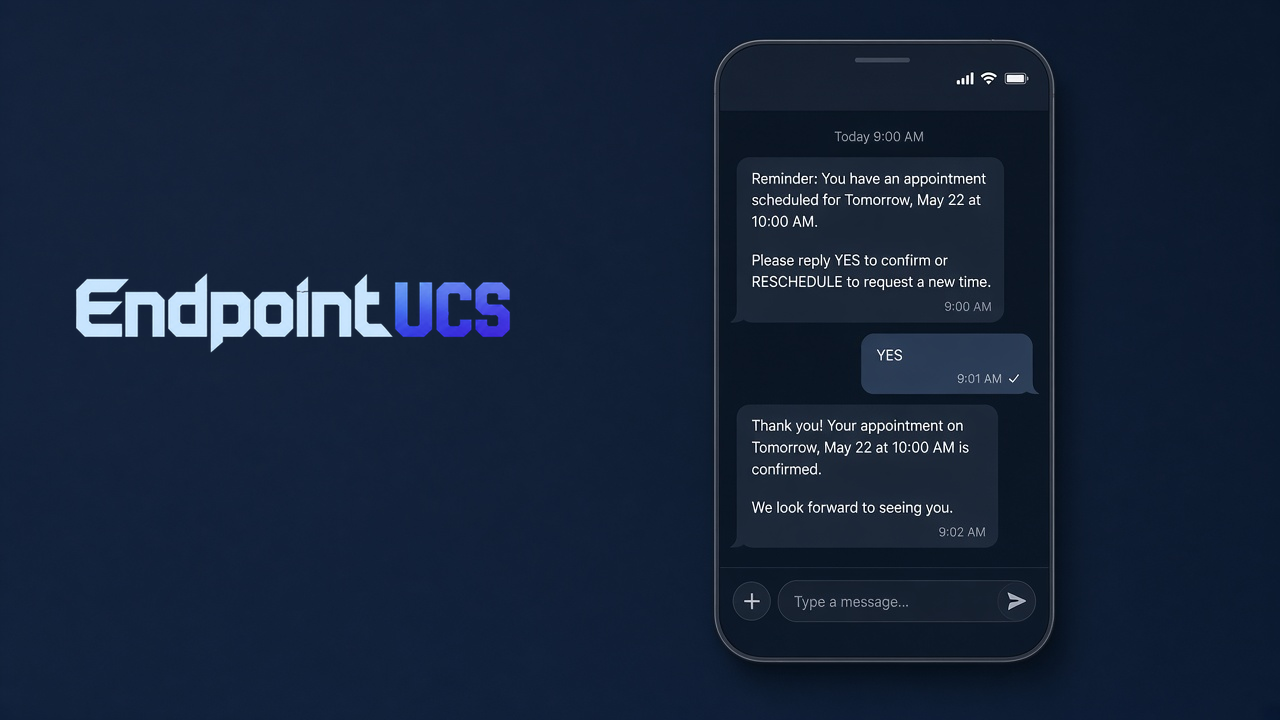
Text from your business number, not your personal one.
Endpoint UCS mobile SMS lets your team send and receive text messages using their business phone number — keeping personal numbers private and all business conversations in one place. MMS support means photos, documents, and media can be shared alongside text messages.
Business number texting
Send SMS from your business DID — customers reply to your business number, not your cell.
MMS support
Share photos, documents, and media in addition to text messages.
Push notifications
Instant alerts for new messages even when the app is in the background.
Do Not Disturb
Set DND hours so after-hours messages wait until you're back — without missing anything.
iOS / Android · Mobile App Calling
Your office extension — in your pocket.
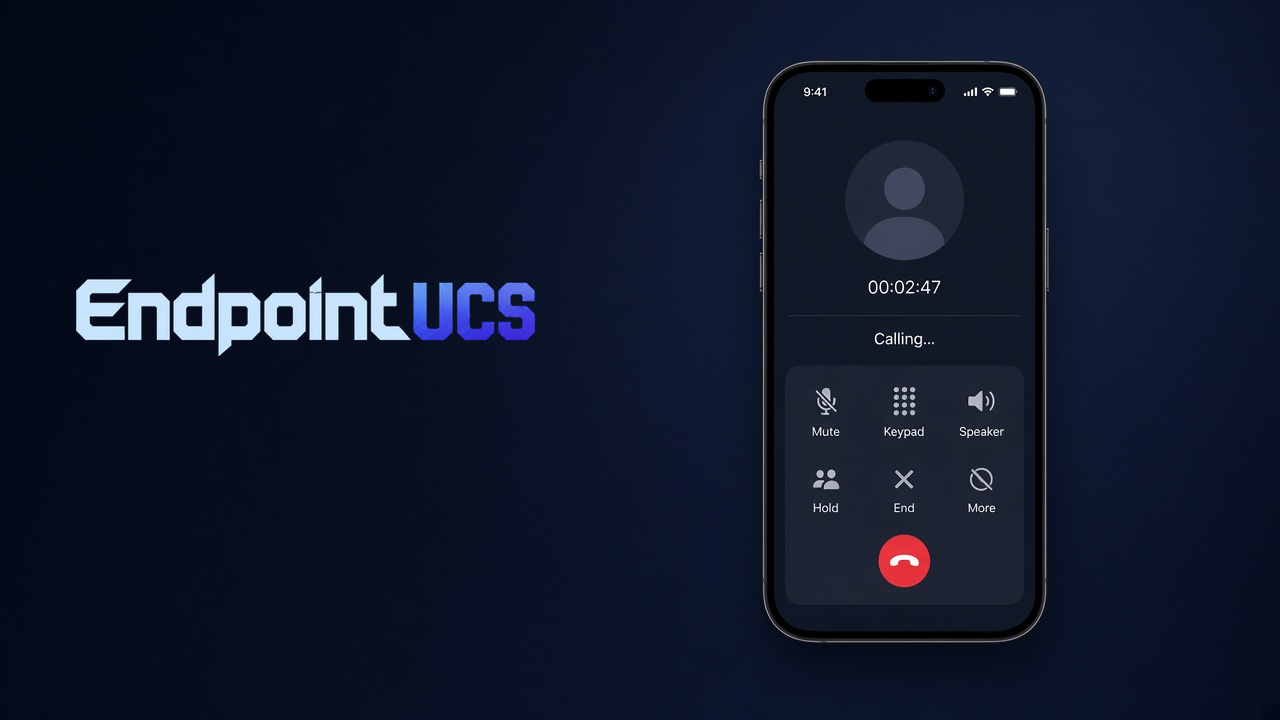
The Endpoint UCS mobile app turns any iPhone or Android device into a full-featured business phone. Make and receive calls on your office extension over Wi-Fi or LTE, access your contacts and voicemail, and stay connected to the team whether you're in the office, at home, or on the road.
VoIP calling over Wi-Fi & LTE
Make and receive calls on your business extension from anywhere with a data connection.
Business contacts
Access the full company directory and your personal contacts from the mobile app.
Visual voicemail
See a list of voicemails, read transcriptions, and listen without dialing in.
Call transfer & hold
Transfer calls to colleagues, put callers on hold, and manage multiple calls from your phone.
AI Feature · Voicemail Transcription
Read your voicemails. Don't listen to them.
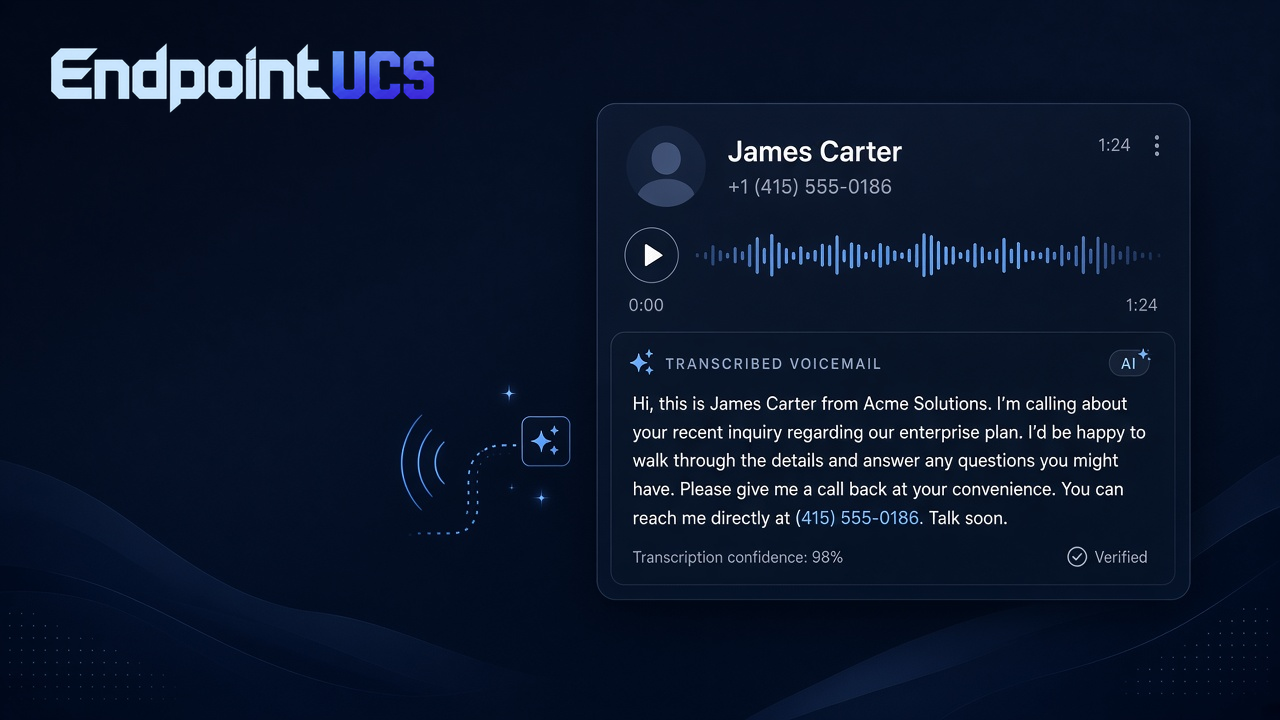
Endpoint UCS AI voicemail transcription converts every voicemail to text automatically — delivered to your email inbox alongside the audio file. With 98% accuracy and near-instant turnaround, you can scan messages at a glance, search past voicemails by keyword, and respond faster without ever pressing play.
98% transcription accuracy
AI-powered speech recognition trained on business phone calls for reliable, readable output.
Email delivery
Transcription and audio file delivered to your inbox the moment the voicemail is left.
Keyword search
Search your voicemail history by word or phrase — find any message in seconds.
Verified transcriptions
Confidence scoring flags low-certainty words so you know when to double-check.
Endpoint UCS communications suite
Tools for every call, team, and workflow.
Explore the Endpoint UCS hosted voice capabilities that help your organization route, manage, secure, and understand every conversation.
Call handling
Voicemail and collaboration
Queues and contact center
Administration and devices
Security, insight, and mobility
EVA AI Agents
Explore EVAFeature guidance
Need help finding the right features?
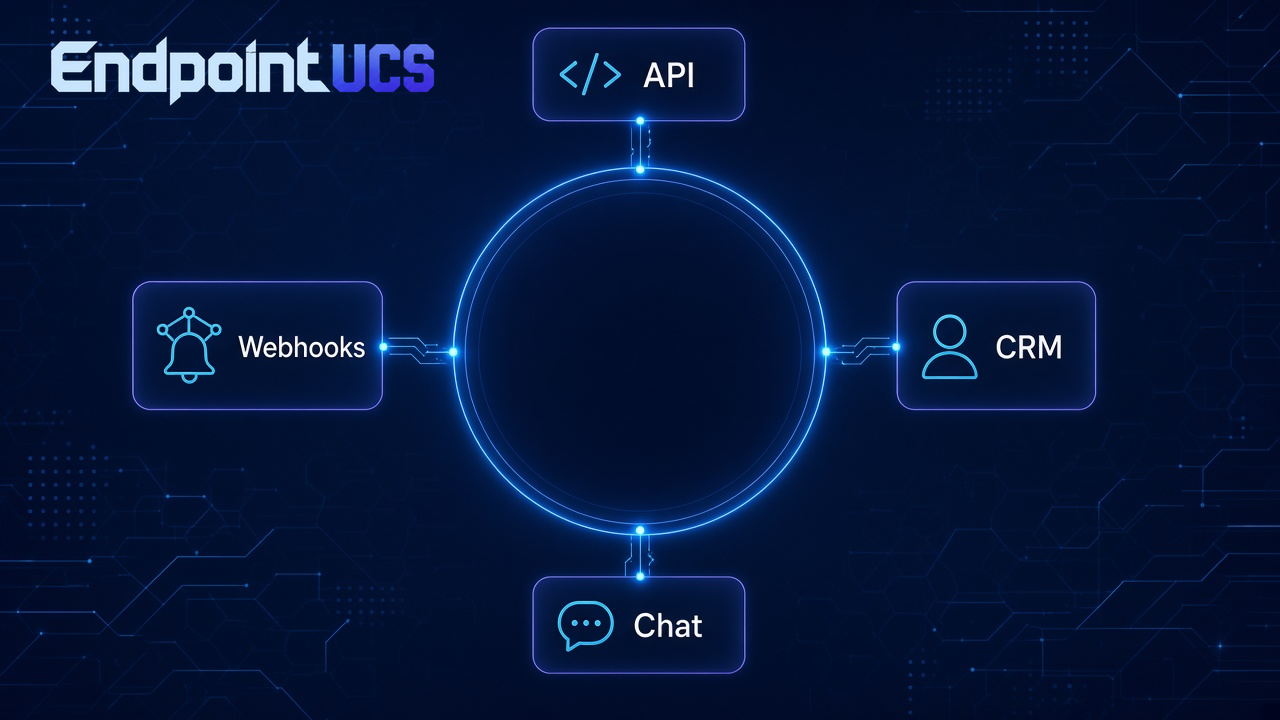
Talk with our team about the hosted voice tools, call flows, and integrations that fit your organization.
Services
Number porting & carrier services
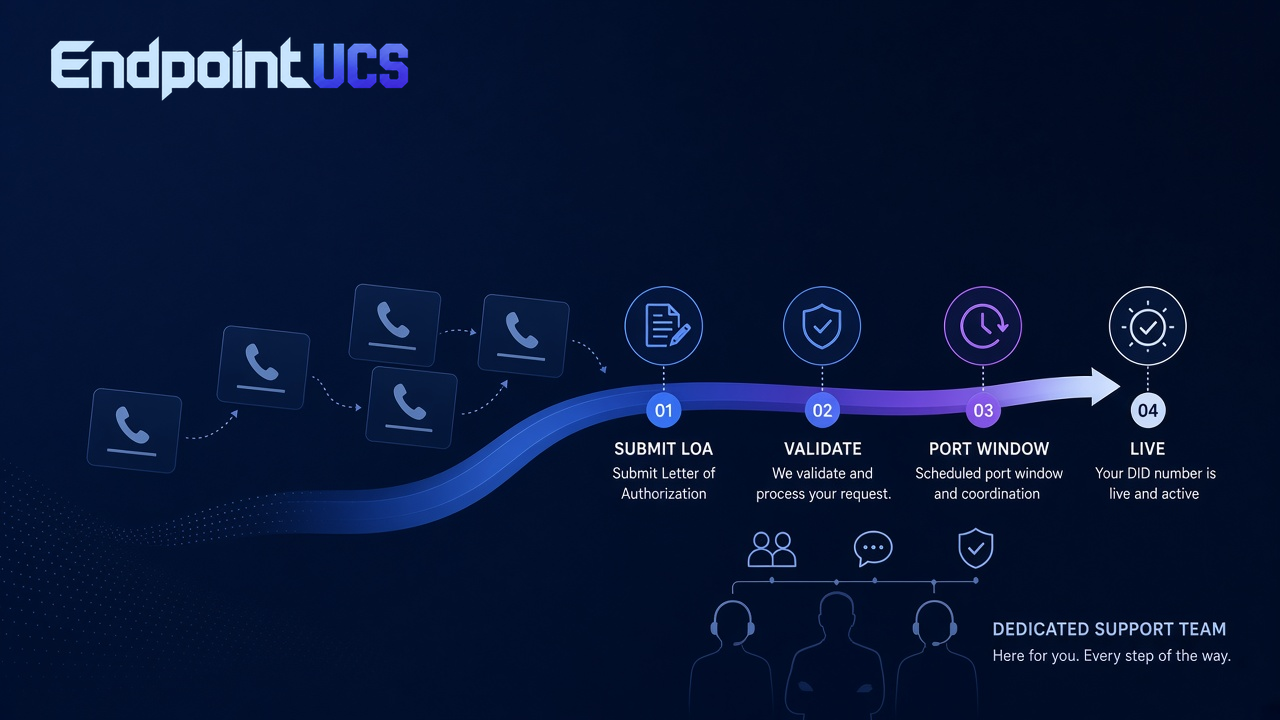
Keep your existing phone numbers when you move to Endpoint UCS. Our porting team manages the entire carrier transfer process — from LOA to cutover — so your business never misses a call.
Number porting
Transfer local, toll-free, and DID numbers from any carrier. We handle the LOA, carrier coordination, and cutover timing.
DID management
Add, remove, and reassign direct inward dial numbers across users, departments, and locations from a single admin panel.
Carrier transfer support
Our porting specialists work directly with your current carrier to ensure a smooth, zero-downtime transition to Endpoint UCS.
Ready to port your numbers?
Our team will walk you through the process and confirm your numbers are ready to transfer before we begin.